
Let's Get You Started!

Set Up Vagaro

Select Features

All Set!
Setting up your Hair Salon
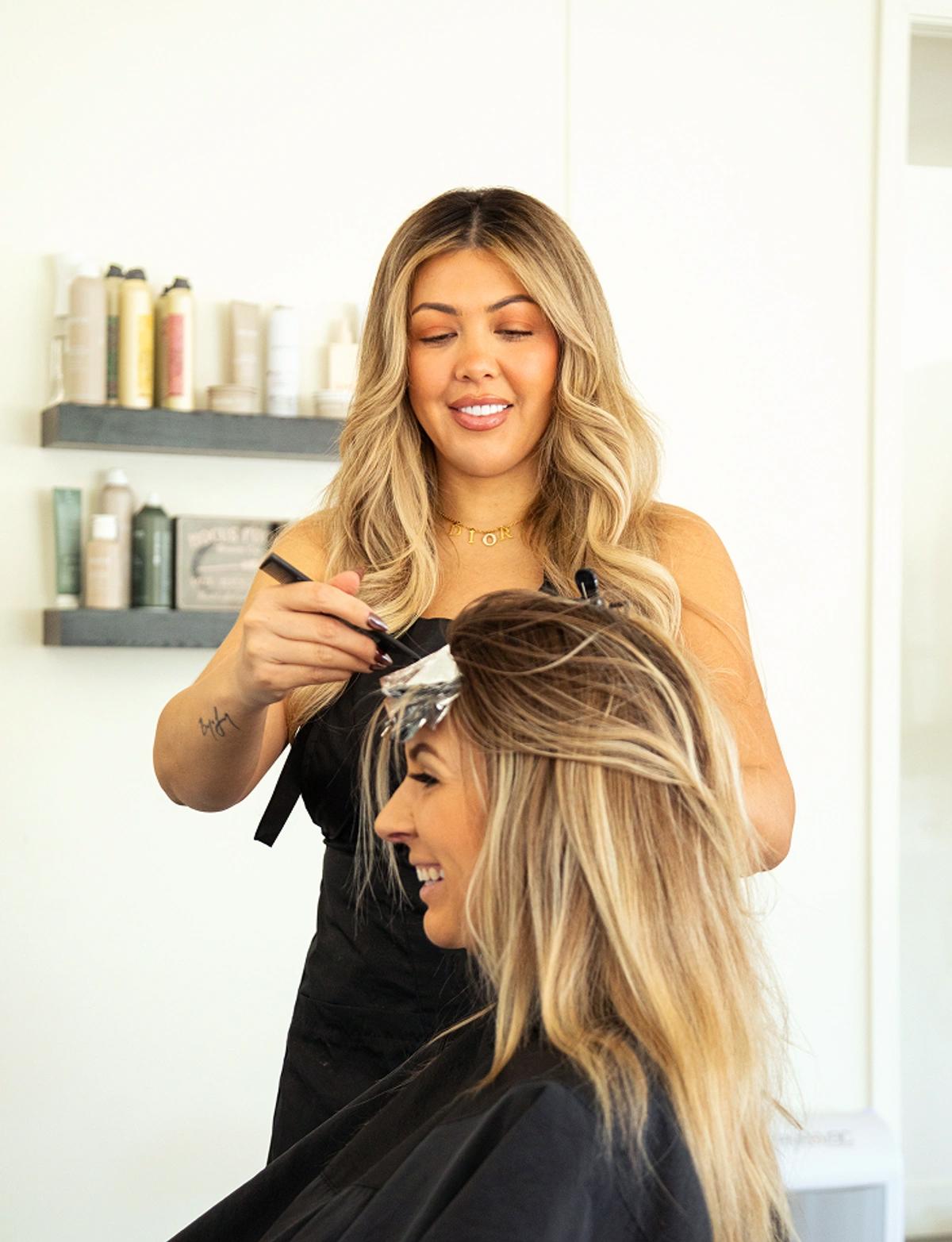
Ready to streamline your operations? This guide will walk you through setting up your Vagaro account, sharing best practices & unlocking key features used by successful businesses like yours use to boost their bottom line.
Step 1:
Set Up Your Hair Salon Information
Settings > Business Profile
Make sure your salon is easy to find by adding your location (address), contact details (phone number, email), business hours, and a catchy description.
Don’t forget to include your website URL if you have one—this helps clients easily book online or learn more about your services.
Set Up Now
Settings > Facility information
Protect your time by setting up key policies, such as your cancellation policy, no-show policy (e.g., charge for missed appointments), and refund policy. Clear policies help you avoid misunderstandings with clients.
Set Up Now
Settings > Service/Class Menu
Add all your salon services, from haircuts and coloring to specialty treatments like balayage, keratin treatments, or extensions. Be sure to include gap times between appointments for cleaning stations and resetting between clients.
Service-Based Booking: Set specific services to be available only on certain days or times. For example, offer color treatments only on weekdays or book longer services like extensions on slower days. This helps manage your schedule more efficiently.
Add-On Services: Automate the suggestion of add-on services like scalp treatments or conditioning masks to enhance client booking.
Set Up Now
Settings > EMPLOYEE PROFILES
Create detailed profiles for each stylist, including their working hours, specialties (e.g., balayage expert, curly hair specialist, barbering), certifications, and even favorite products. This helps clients choose the right stylist for their needs.
TIP: You can create access levels to manage salon operations—allow front desk staff to handle bookings, give stylists access to their schedule, and assign manager permissions for key team members.
Set Up Now
Step 2:
Customize Your Account
Settings > Booking > email and text notifications
Reduce no-shows by setting up text and email reminders. Send reminders 24 to 48 hours before appointments, ensuring clients never miss their slot.
Set Up Now
Settings > booking > Online appointment rules
Capture clients who drop by without an appointment and add them to a waitlist. This feature helps manage busy periods and fill last-minute cancellations while maintaining excellent customer service.
Set Up Now
Customers
Keep track of important client information, including their name, email, phone number, and specific details and preferences. This personalized approach improves client retention and helps you deliver a luxury experience.
TIP: Accept Walk ins frequently? Create a place holder customer profile and give it the name walk-in, This way you wont need to create a complete customer profile for a customer who you know is just stopping by for the day or just stopping by to purchase a product for themselves of a friend.
Set Up Now
Settings > look & feel > Photo gallery
Add your salon’s branding by uploading your logo, portfolio of hairstyles, or even before-and-after shots of clients. Showcase your best work to attract more bookings!
Set Up Now
Recommended Features
Take it a step further with these key features used by successful businesses like yours!
Credit Card Processing
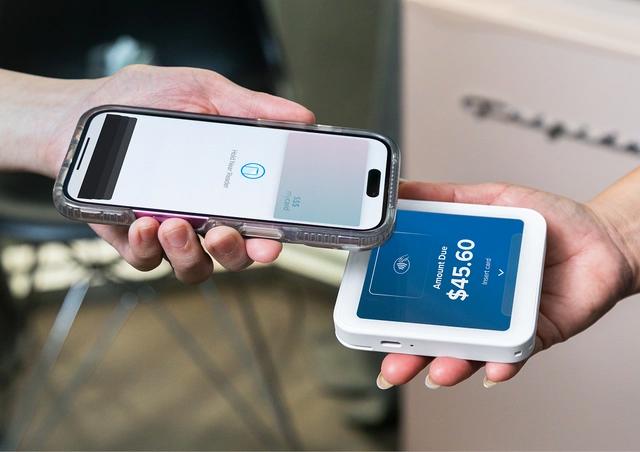
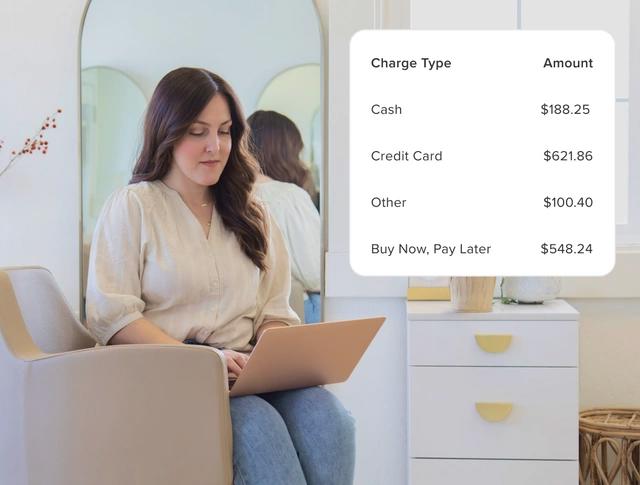
With flexible payment options, instant payouts, secure card storage, and built-in no-show protection, you get everything you need to run your business smoothly and confidently.
Learn More →
Online Shopping Cart
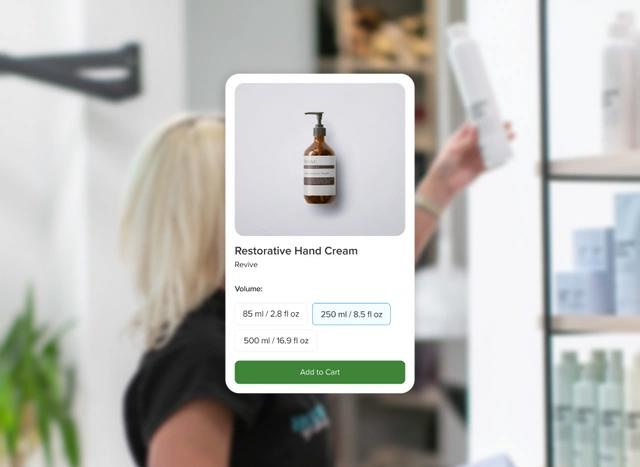
Offer complete shopping flexibility by selling online, in-store, or for curbside pickup. Create product variants, offer gift cards and packages, plus keep 100% of your profits.
Learn More →
Packages & Memberships
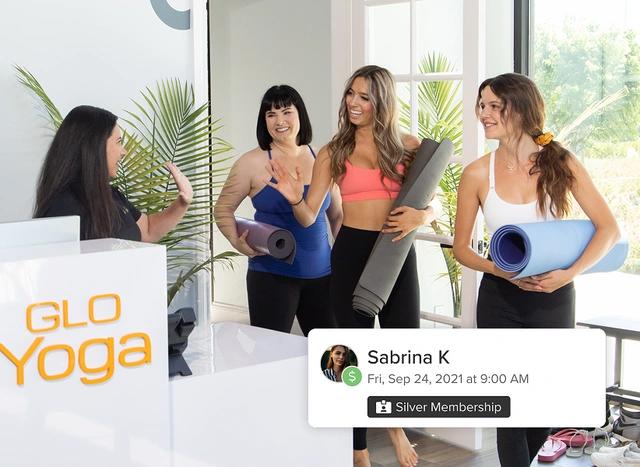
Build loyalty & boost recurring revenue by offering memberships & packages.
Learn More →
Buy Now, Pay Later
Buy Now, Pay Later lets clients spread payments over time—making packages, memberships, and premium services more affordable while keeping your calendar consistently full.
Learn More →
Inventory Tracking
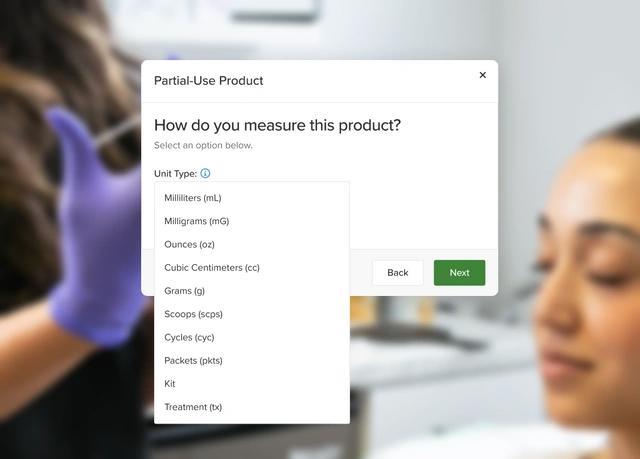
Track every unit, reduce waste, simplify workflows, and uncover true profitability.
Learn More →
Capital
Get access to working capital when you need it—perfect for upgrading equipment or expanding your space. Repayment is seamless and adjusts with your business.
Learn More →

MySite
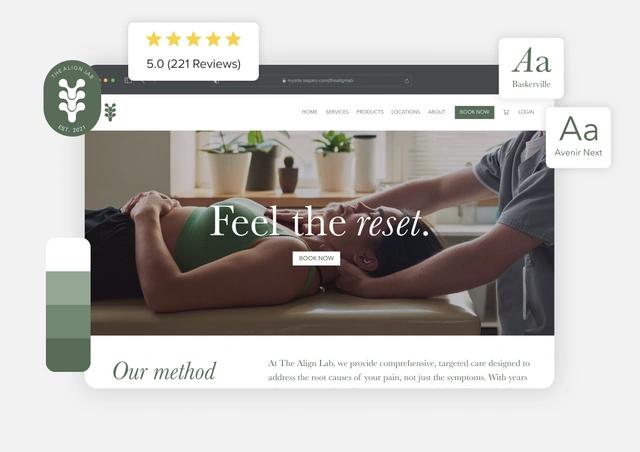
Vagaro’s automated website builder syncs your services, staff, prices, & online store instantly. Choose a template, customize your design, improve SEO, & showcase your portfolio all on a website designed to help you book more clients and grow your business.
Learn More →
Get Featured
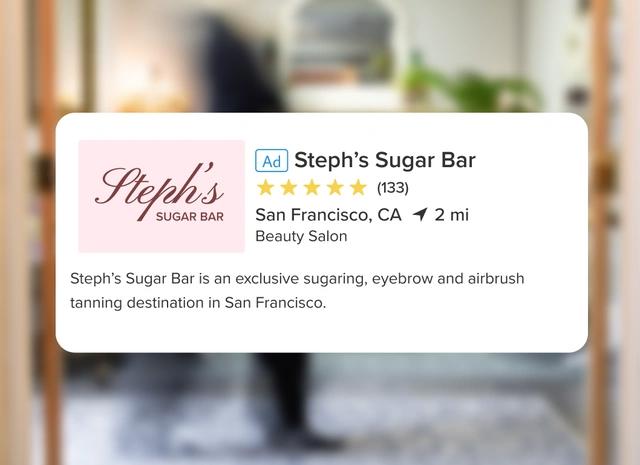
Put your business in front of thousands of potential clients searching for businesses like yours, so you can fill your calendar faster and grow your brand with ease.
Learn More →
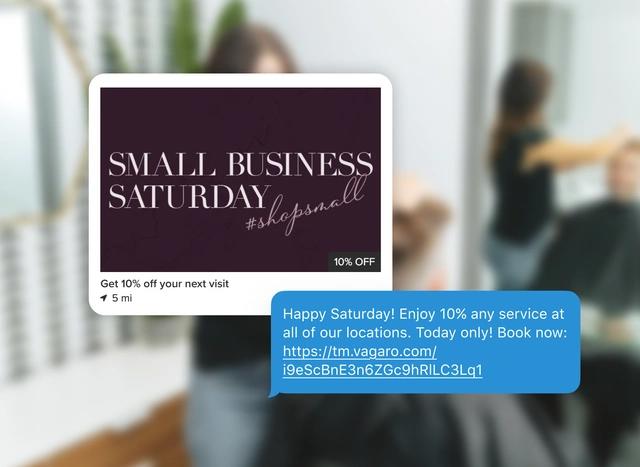
Daily Deals
When you add a Daily Deal, you're 4x more likely to be booked by new customers!
Learn More →
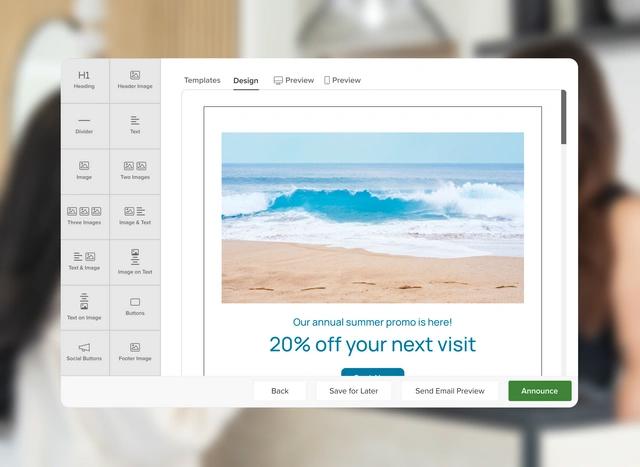
Email & Text Marketing
Create & send campaigns to promote deals, send reminders, or share exciting updates. With 1,000 free emails a month you can stay connected by sending email blasts for birthdays, promotions, seasonal updates, and more.
Learn More →
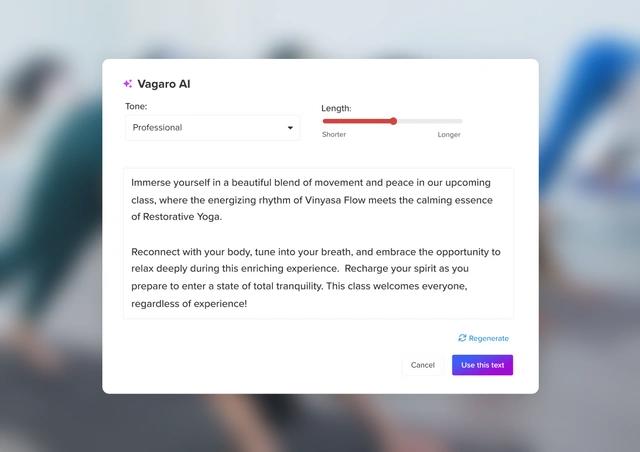
AI Marketing
Not sure what to say in your next promo or reminder? Our AI powered marketing tool helps you craft effective emails and texts in seconds, so you can launch campaigns faster and more efficiently.
Learn More →
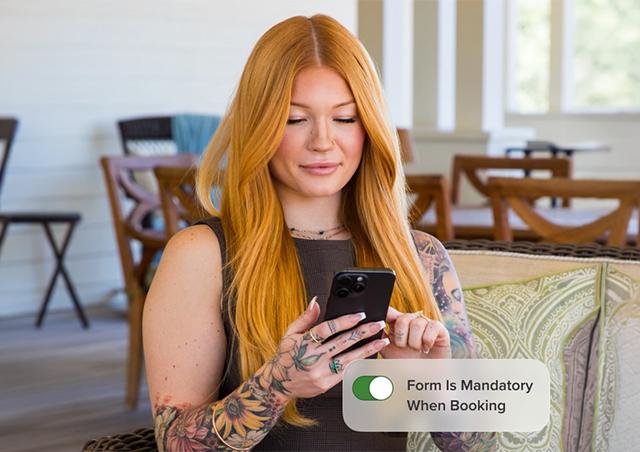
Forms
Choose a template or build custom forms for legal waivers, intake forms, surveys & more.
Learn More →

Social Media Integration
Allow your customers to easily book a service from your business page, Vagaro's Marketplace, Apple Maps, Instagram, Facebook, Alexa & Yelp.
Learn More →
Explore More Features
Checked off the above steps?
Congratulations!
Now it's time to shine! Get ready to elevate your hair salon & watch your earnings soar.
Schedule Your Onboarding